 No result could be found!
Battlefield 6 Beginner's Guide: What You Need to Know
In our Battlefield 6 beginner’s guide, we cover the essential details you need to know when starting the game and help you make the most of your first hours on the battlefield.
Have you started playing Battlefield 6 but need help achieving the best possible experience?
Then this guide will provide you with plenty of useful information. We’ll go over the roles of each class in the game, share small tactical tips, and show you the best settings to improve your visibility. With our Battlefield 6 beginner’s guide, you’ll be able to enjoy the competitive and fast-paced FPS experience you’re looking for right from your first hours in the game. So, without further delay, let’s dive into the details!
Battlefield 6 Beginner’s Guide: How to Set Up the Best Visibility Settings
In competitive FPS games, graphics quality plays a key role in providing a clear and crisp image. Battlefield 6 doesn’t fall short in this area, but there are a few adjustments you can make to spot enemies more easily. One of the most effective changes is disabling TAA (Temporal Anti-Aliasing) and avoiding the use of image upscaling technologies. TAA was heavily criticized in Battlefield 2042 for making the image appear blurry — fortunately, Battlefield 6 allows you to turn this setting off.
| Ayar | Değer ve Açıklama |
|---|---|
| Texture Quality | High: Yüksek çözünürlüklü dokular oyuncuların ve savaş makinelerinin görünürlüğünü artırır. |
| Texture Filtering | High: Doku filtreleme (Anizotropi olarak da geçer) dokuların daha detaylı ve keskin çizilmesini sağlar. |
| Mesh Quality | Low: Oyuncu olmayan araç ve nesnelerin uzak mesafedeki kalitelerini düşürerek performansı artırır. Aynı zamanda oyuncu objelerinin görünürlüğünü artırır. |
| Effects Quality | Low: Efektlerin kalitesini düşürmek ekrandaki karmaşıklığı azaltır. |
| Volumetric Quality | Low: Hacimsel sis, toz ve bulutların kalitesini düşürür. |
| Screen Space AO & GI | GTAO Low: Küresel aydınlatmanın kalitesini düşürür. Küresel aydınlatma yüksek kalitede ışıklandırmayı iyileştirse de görsel illüzyonlara sebep olabilir. |
| Anti-Aliasing | FSR Native AA veya DLAA: TAA yerine FSR Native AA veya yerel çözünürlükte DLSS kullanmak görüntüyü netleştirir. |
| Chromatic Aberration | Off: Kromatik aberasyonu kapatmak görüntüyü netleştirir ve ekranın daha sade görünmesini sağlar. |
| Vignette | Off: Vinyet ekranın kenarlarını karartır, kapatmak ise ekranın tamamının aynı derecede görülebilir olmasını sağlar. |
| Film Grain | Off: Film greni ekranın daha kumlu görünmesini sağlar, sinematik olarak iyi bir efekt olsa da rekabetçi oynanış için uygun değildir. |
| VSYNC | Off: Eğer FreeSYNC gibi VRR teknolojilerini destekleyen bir monitörünüz varsa VSYNC kullanmanıza gerek yoktur. Giriş gecikmesine sebep olabilir. |
Classes and What You Need to Know About Them
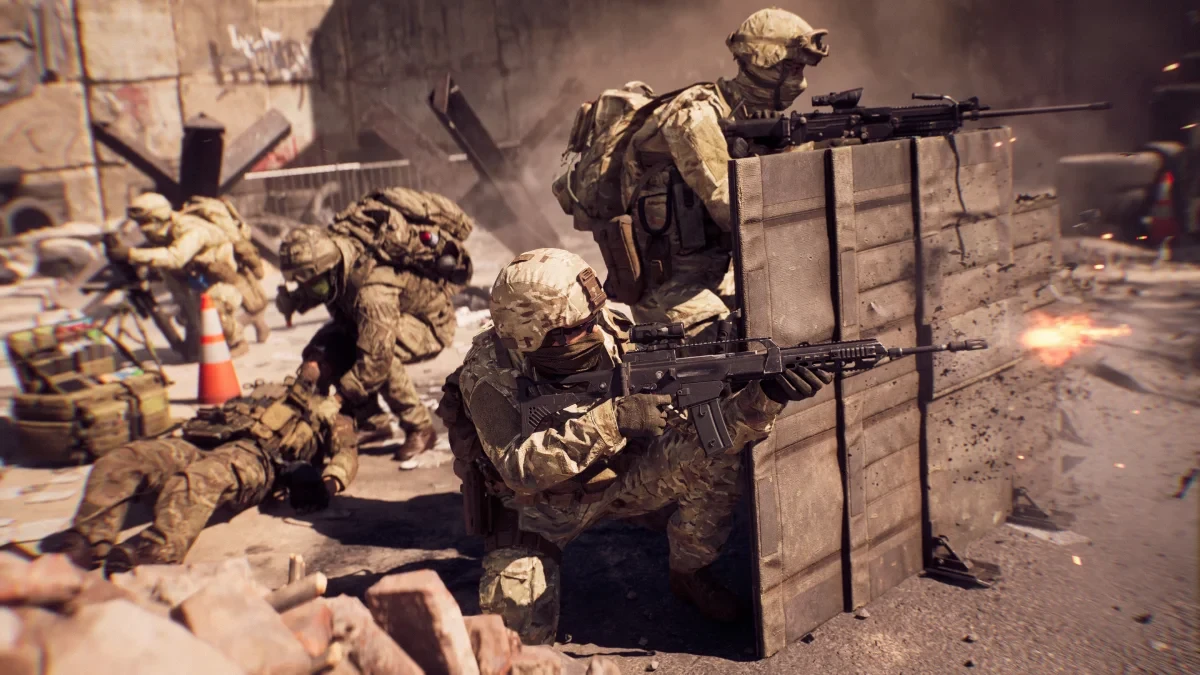
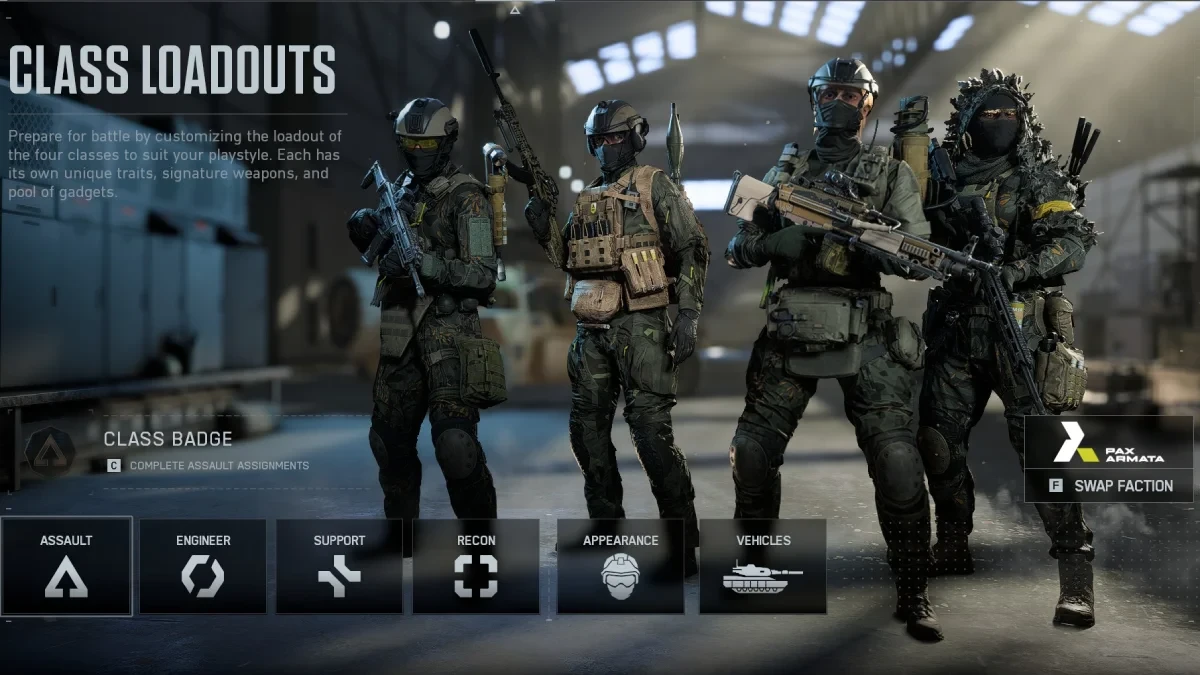
In Battlefield 6, there are basically four main classes: Assault, Engineer, Support, and Recon.
The Assault class serves as the infantry unit that pushes objectives at the front lines, while the others take on specialized battlefield roles.
The Engineer focuses on countering enemy war machines such as tanks and armored vehicles, while the Support class stands out with abilities like quick revives and health pack deployment. Finally, the Recon class acts as a scout, using a sniper rifle to take out enemies and reveal their positions to teammates.
During your first few hours of gameplay, you’ll spend time using each class’s default weapon. No matter which class you play, try to stick with your team early on — this will help you earn more points and complete objectives for greater experience. As you level up, you’ll master your class’s weapons and abilities, unlocking new customization options and equipment.
Assault Class
The Assault class is considered the “driving force of the battlefield” in Battlefield 6. Equipped with weapons and abilities highly effective against enemy infantry, this class plays a vital role in clearing objectives. Additionally, its shotguns make it extremely effective in close-quarters combat and indoor environments.
Engineer Class
The Engineer class specializes in taking down enemy tanks and armored vehicles. The key thing to remember while playing this class is where you hit the target — most armored vehicles take more damage from behind. Try to flank enemies from the rear and stay out of sight after firing. You can also repair your own team’s vehicles, providing valuable support to your squad.
Support Class
The Support class assists infantry units on the battlefield. With its quick revive ability and deployable health packs, you can keep your teammates alive longer. This class also wields LMGs (light machine guns), making it excellent for suppressive fire. However, if your goal is to rack up the most kills, you might want to consider trying another class.
Recon Class
The Recon class typically operates solo. As a sniper, you’ll want to find a good vantage point and eliminate as many enemies as possible before being spotted. To protect yourself from flanking enemies, you can deploy motion-sensing mines, and with specialized gadgets, you can reveal enemy positions to your team.
Game Modes and Their Structures
Battlefield 6 features a wide variety of game modes and maps. While some maps are shared between modes, the game modes themselves differ significantly.
Modes such as Breakthrough, Conquest, Escalation, Rush, and King of the Hill fall under the “All-Out Warfare” category, offering massive battles with vehicles like tanks and helicopters, resulting in chaotic large-scale warfare.
On the other hand, Squad Deathmatch, Team Deathmatch, and Domination are infantry-focused modes that provide a more traditional FPS experience.
There are only a few key things you need to know about these modes: their core concept is always “complete objectives and win the match.”
Infantry-focused modes are generally more linear, while in large-scale battles, enemy war machines can play a decisive role in controlling objectives. That’s why it’s important to have enough engineers on your team to counter these threats effectively.
That concludes our Battlefield 6 beginner’s guide. By keeping these points in mind when you start playing, you’ll enjoy a smoother and more engaging gameplay experience.
If you’re having trouble launching the game, be sure to check out our Battlefield 6 Secure Boot error guide to learn how to resolve it.
We wish you happy gaming and good luck on the battlefield! 🎮